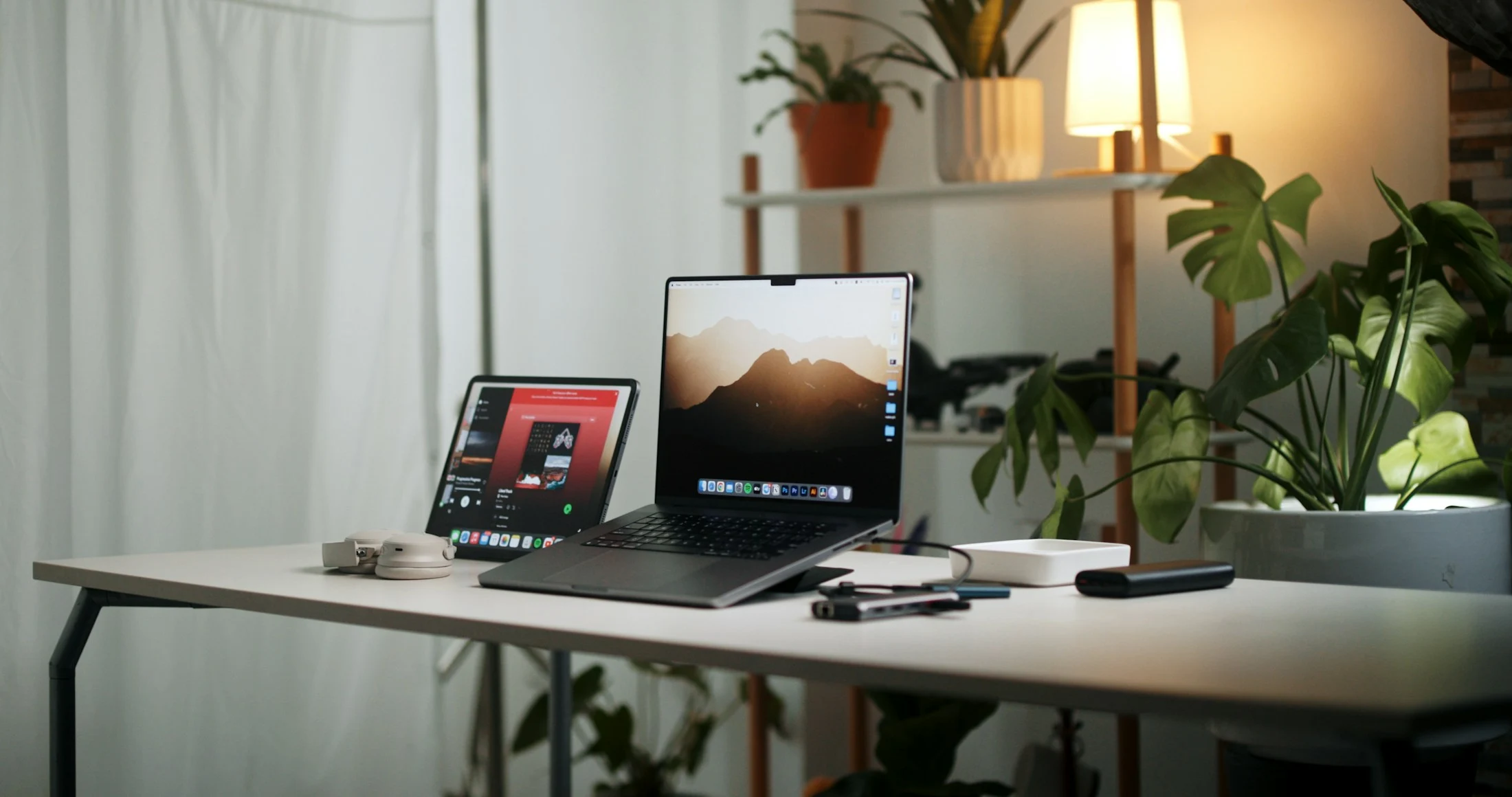
A little less clutter. A little more clarity.
A better setup does not have to mean replacing everything. Start with the small things that get in the way of a good day.
Start with the day, not the desk
Before choosing anything new, notice how you use your space. Is your screen too far away? Are you constantly swapping cables? Do you move between a laptop and a larger display? A good setup solves those everyday frustrations first.
Give the essentials some breathing room
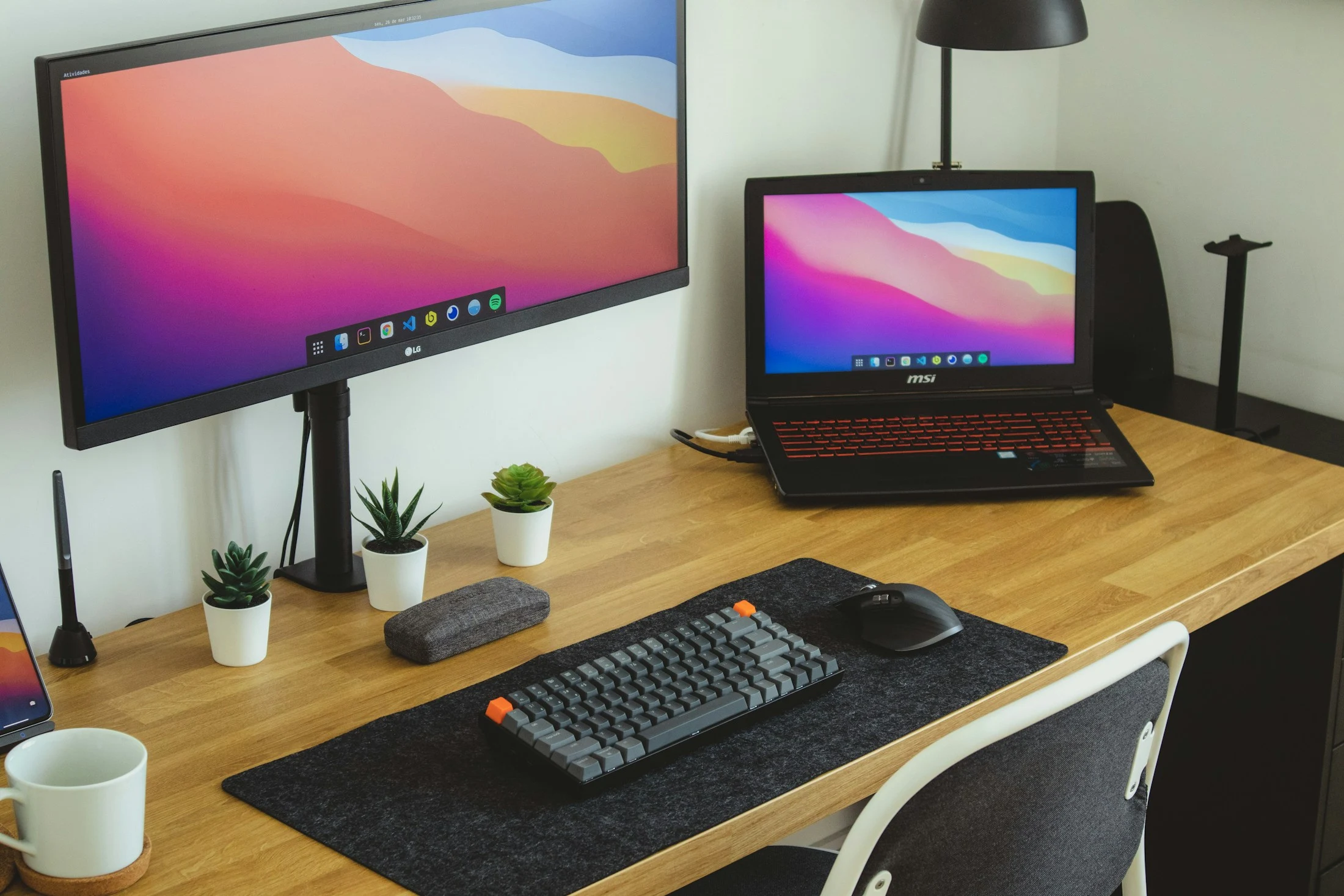
Keep the things you reach for within easy reach, and put everything else away. A compact keyboard can free up mouse space. A monitor stand may help position your screen, but measure your desk and check the stand’s compatibility before buying.
Make the connections make sense
Write down the ports on your computer and the devices you want to connect. A dock or hub can make arriving at your desk easier, but check power delivery and display support against your exact laptop model.
Leave room to change your mind
Your routine will change. Choose one useful improvement, live with it for a while, then decide what comes next. A workspace should grow around you.
A good place to start.
Explore workspace